You have probably stood in a stationery shop at some point, admiring a beautifully bound notebook, and thought: this time, it will be different. And it is different, for about two weeks. Then the blank pages start to feel accusatory, and the whole thing ends up on a shelf next to three other abandoned notebooks.
Or perhaps you downloaded a digital planning app, spent an hour setting it up, and then forgot it existed.
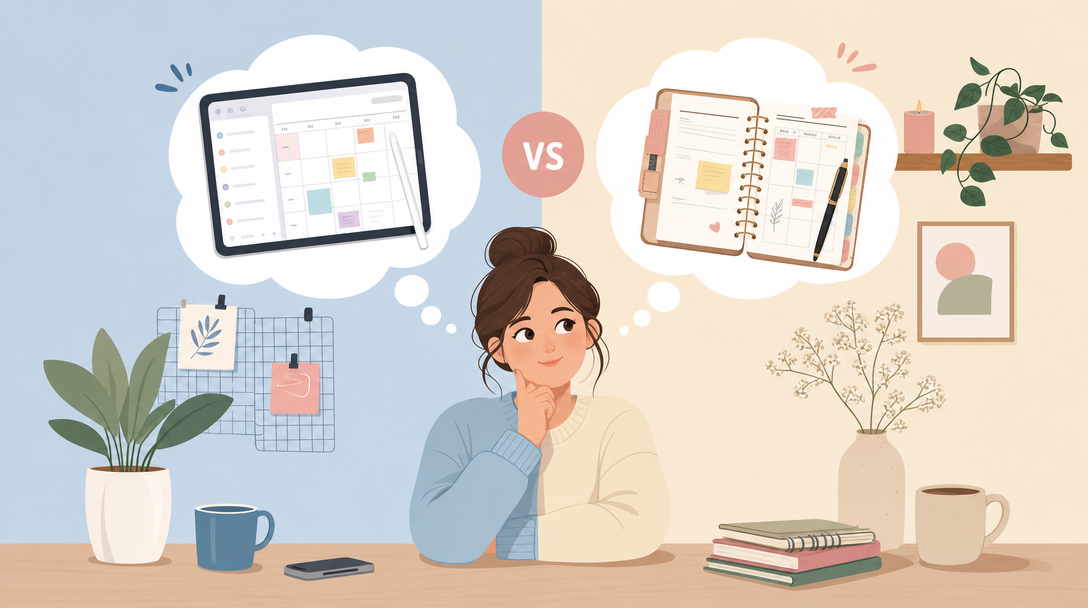
If either of those scenarios sounds familiar, the problem is almost certainly not you. It is the mismatch between the planning format and how you actually live. The question of digital planner vs paper planner is not really about which one is objectively better. It is about which one removes enough friction that you will actually open it tomorrow morning.
Let us look at this honestly.
What a Paper Planner Does Well
There is a reason paper has lasted this long. Writing by hand is genuinely good for memory consolidation. Research in cognitive science has consistently shown that the physical act of forming letters by hand engages the brain differently from typing, and many people find that writing something down helps it stick.
Paper also has zero distractions. There are no notifications, no software updates, no battery to charge. You open it, you write, you close it.
For people who find screens overstimulating, or who simply enjoy the tactile ritual of writing, a paper planner can feel grounding in a way that a digital tool sometimes cannot replicate.
Where Paper Falls Short
The limitations, however, are real and worth naming clearly.
- Mistakes are permanent. One miswritten date or a change of plan and the page looks like a mess. Many people abandon their planner the moment it stops looking neat.
- It does not travel as lightly as it should. A quality planner is not small. If you carry a bag every day, you know exactly how heavy this becomes.
- There is no search function. Finding a note you wrote three weeks ago means flipping through pages.
- It cannot be backed up. Lose the notebook and you lose everything in it.
- Refills and replacements cost money every year, often more than people realise when they add up the monthly cost.
And then there is the pressure of the blank page. For some people, the commitment to fill every dated spread creates a low-level anxiety. Miss a few days and the planner feels like evidence of failure rather than a tool for progress.
What a Digital Planner Does Differently
A good digital planner for iPad is not just a paper planner scanned onto a screen. When it is designed thoughtfully, it solves most of the problems listed above while preserving much of what makes paper appealing.
The most important thing a digital planner offers is flexibility without chaos. You can write with your Apple Pencil and get the handwriting experience, but you can also undo a mistake in half a second, rearrange your priorities without crossing anything out, and carry an entire year of planning in a device that weighs less than most notebooks.
Hyperlinked navigation is genuinely transformative once you experience it. In a well-built planner, tapping a date on the monthly view takes you directly to that day. Tapping a project heading takes you to its dedicated page. There is no flipping, no losing your place. Your planner behaves more like a well-indexed book than a pile of paper.
The Honest Downsides of Going Digital
Digital planning is not perfect, and it is worth being clear about that.
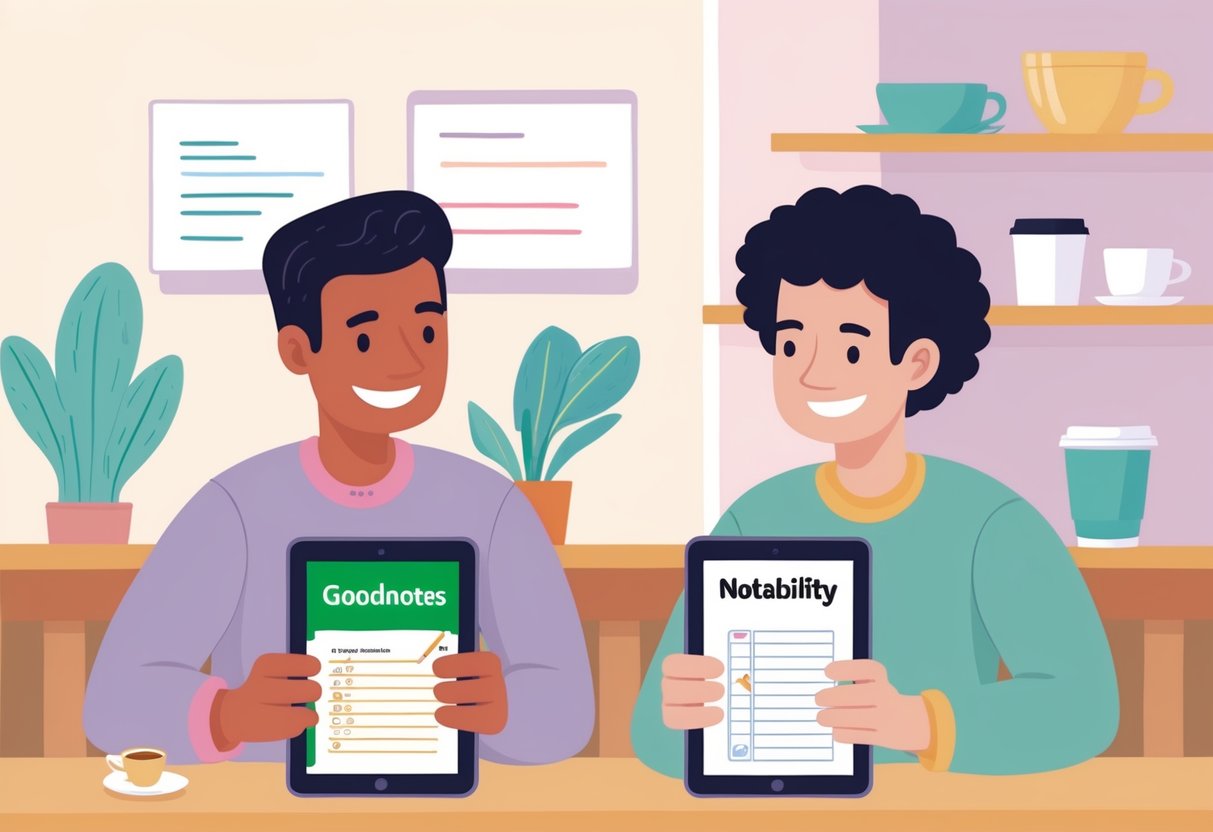
The learning curve is real, particularly if you are new to GoodNotes or Notability. The first time you open a PDF planner in an app, it can feel slightly unfamiliar. This passes quickly, but it is a barrier that paper does not have.
There is also the screen question. If you already spend most of your day looking at a screen, adding your planner to that list might feel like the wrong direction. This is a legitimate concern and only you can judge how much screen time feels sustainable.
And finally, a digital planner requires a device. If your iPad battery dies mid-morning and you have no charger nearby, you cannot plan. That said, most people carry a charged device with them anyway, and offline-first apps like GoodNotes work without an internet connection.
Who Tends to Thrive With Each Format
Rather than declaring a winner, it is more useful to think about patterns.
You will probably love a paper planner if:
- You rarely change your plans once they are written
- You find screens genuinely exhausting after a full day
- The physical ritual of writing is important to your sense of calm
- You do not mind the annual cost of buying a new one
- You use your planner primarily at a fixed desk, not on the move
You will probably love a digital planner if:
- You frequently revise, rearrange or update your plans
- You want your planner to work across monthly, weekly and daily views without carrying multiple notebooks
- You care about sustainability and prefer not to buy paper products every year
- You already own an iPad and use it regularly
- You want the handwriting experience without the permanence of ink
- You have tried paper planners before and found yourself abandoning them when the pages got messy
For the digital planner vs paper planner decision, this last point is worth sitting with. If you have a history of starting paper planners enthusiastically and then quietly giving up, the format may genuinely be working against you, not your discipline.
Why the Hybrid Approach Often Wins
Many people who ask about digital planning versus paper planning eventually land in a third place: a hybrid system.
This might mean using a digital planner for the structural, navigable parts of planning, such as your monthly overview, weekly schedule and daily task list, while keeping a separate paper notebook for free writing, brainstorming or journalling. The two formats serve different cognitive modes. The digital planner keeps your time and commitments organised. The paper notebook gives you space to think without structure.
This is not a compromise. It is a considered allocation of the right tool to the right job, which is, when you think about it, a fairly sensible economic principle. Use each resource where it gives you the best return.
Making the Switch: What to Expect in the First Two Weeks
If you decide to try a digital planner for the first time, here is what tends to happen.
The first two or three days feel slightly awkward. You are learning where things are, getting used to navigating with hyperlinks, figuring out how you like to write on glass with an Apple Pencil. This is normal.
By the end of the first week, most people find a rhythm. The hyperlinks stop feeling like a novelty and start feeling like the obvious way to move through a planner. The ability to undo a mistake without ruining the page quietly removes a small but real source of stress.
By the second week, the planner starts to feel genuinely yours. You have your preferred views. You know which pages you use every day and which you visit less often.
The key is choosing a planner that does not overwhelm you with pages you do not need. A well-designed GoodNotes digital planner gives you everything you actually use, and nothing that creates decision fatigue before you have even started planning.
A Note on Aesthetics
This might seem like a small thing, but it is not. You are more likely to open a planner that you find beautiful. This is not vanity; it is how human motivation works. If your planning tool feels pleasing to use, you will use it more consistently, and consistency is the entire point.
This is why the design of a planner matters as much as its functionality. Clean layouts, considered typography, and a calm colour palette are not superficial features. They are part of what makes a system sustainable.
So, Which Should You Choose?
The most honest answer is this: choose the format you will actually open tomorrow.
If paper has let you down before, a thoughtfully designed digital planner for iPad is worth trying seriously, not just downloading and forgetting. Give it a genuine two-week trial with an intention to use it daily, and see whether the format fits the way your mind works.
If you are ready to try digital planning properly, the Planjuli Daily Digital Planner is a good place to start. It has 486 hyperlinked pages covering monthly, weekly and daily views, works in GoodNotes, Notability and most PDF apps, and is designed to feel calm and navigable rather than cluttered. If you want to explore before committing, the PDF templates are a lower-stakes way to see how digital planning feels in practice.
The right planning system is the one that helps you make things happen. Everything else is just noise.