Digital Planners

Monochromatic

2027 Digital Planner for Goodnotes & iPad

Beautifully simple. Ready for a full life.

$11

Instant digital download after purchase

Works with: Goodnotes, Notability, Xodo, PDF annotation apps that support internal hyperlinks

Why you’ll love it

  • 486 pages with hyperlinked navigation
  • An index linking to all months and three notebooks
  • 12 monthly calendar spreads with Monday-start weeks
  • 12 monthly goal-setting spreads
  • 12 monthly notes spreads for ideas and reviews

About this Planjuli

A clear place for everything on your mind

Work deadlines, personal appointments, the things you keep meaning to do. The Planjuli 2027 Digital Planner in Monochromatic gives them a shared home, with a restrained palette and a complete year of linked monthly, weekly and daily pages.

January–December 2027 · English edition · Monday-start weeks · 486 pages

Understated design you can make your own

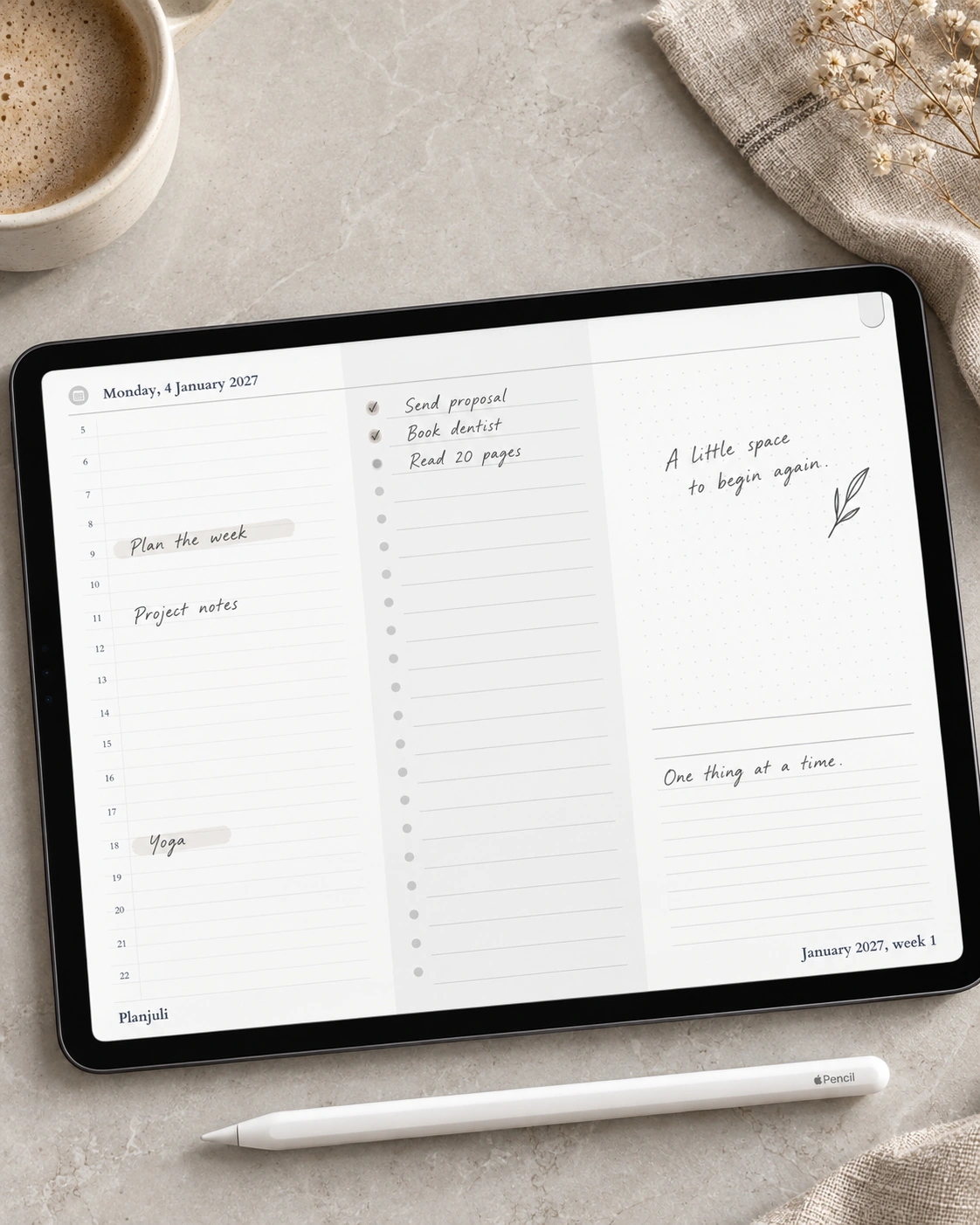
Neutral panels, fine rules and classic typography create a clean backdrop for your notes. Keep the whole page monochromatic or use your own highlighter colours to distinguish work, home and personal plans. This edition suits anyone who enjoys a minimal aesthetic that looks equally at home in a meeting or at the kitchen table.

See the commitments, then work through the detail

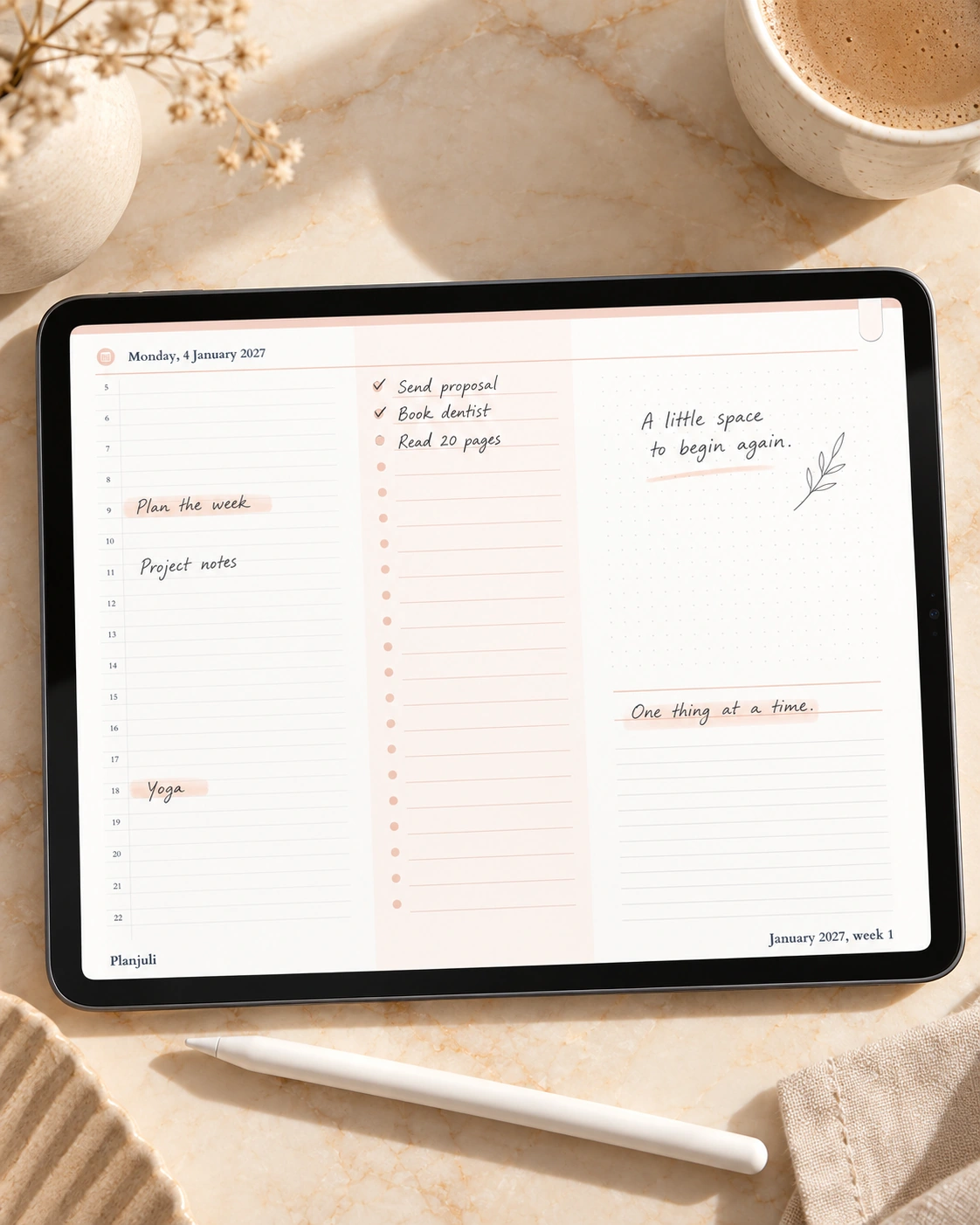
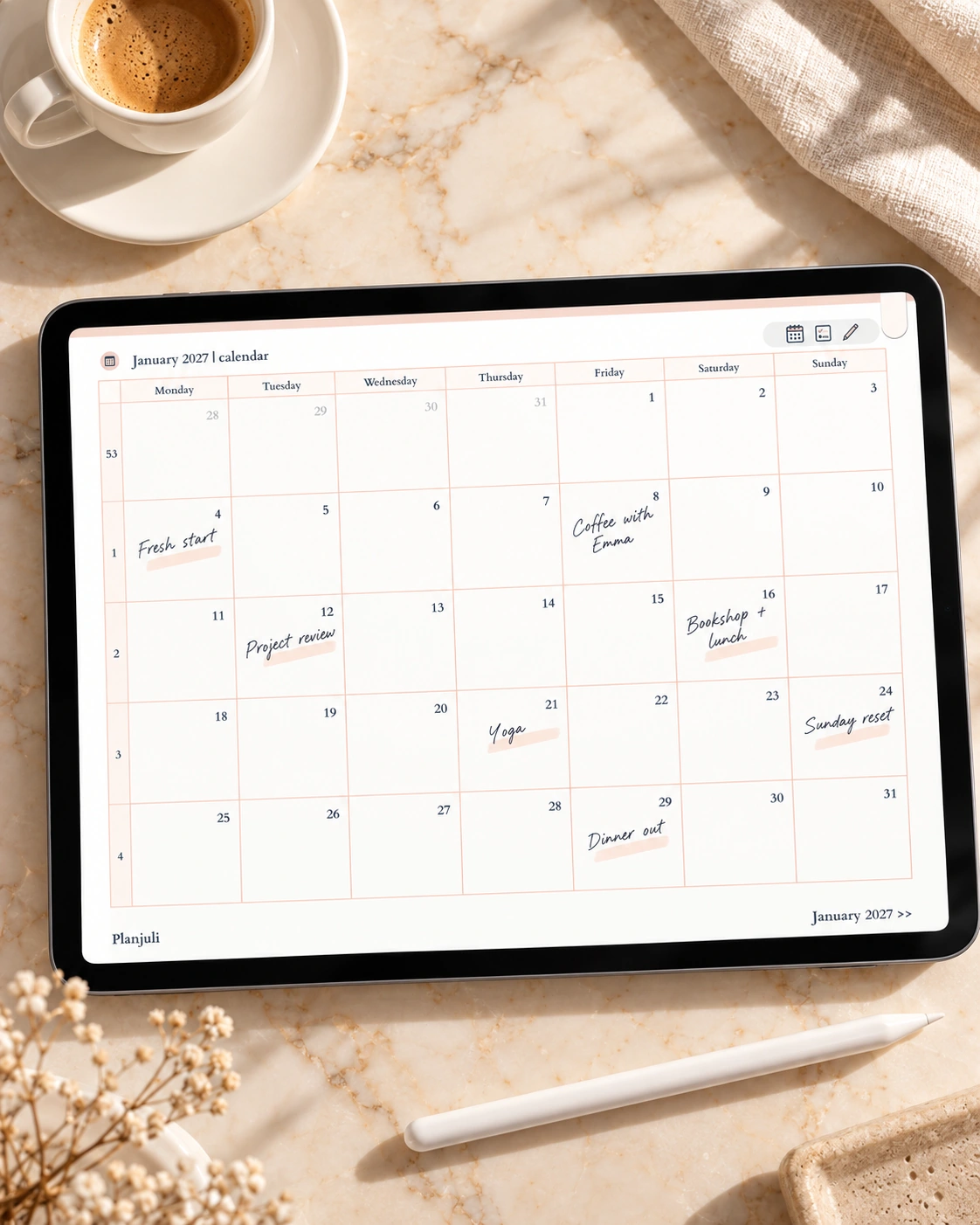
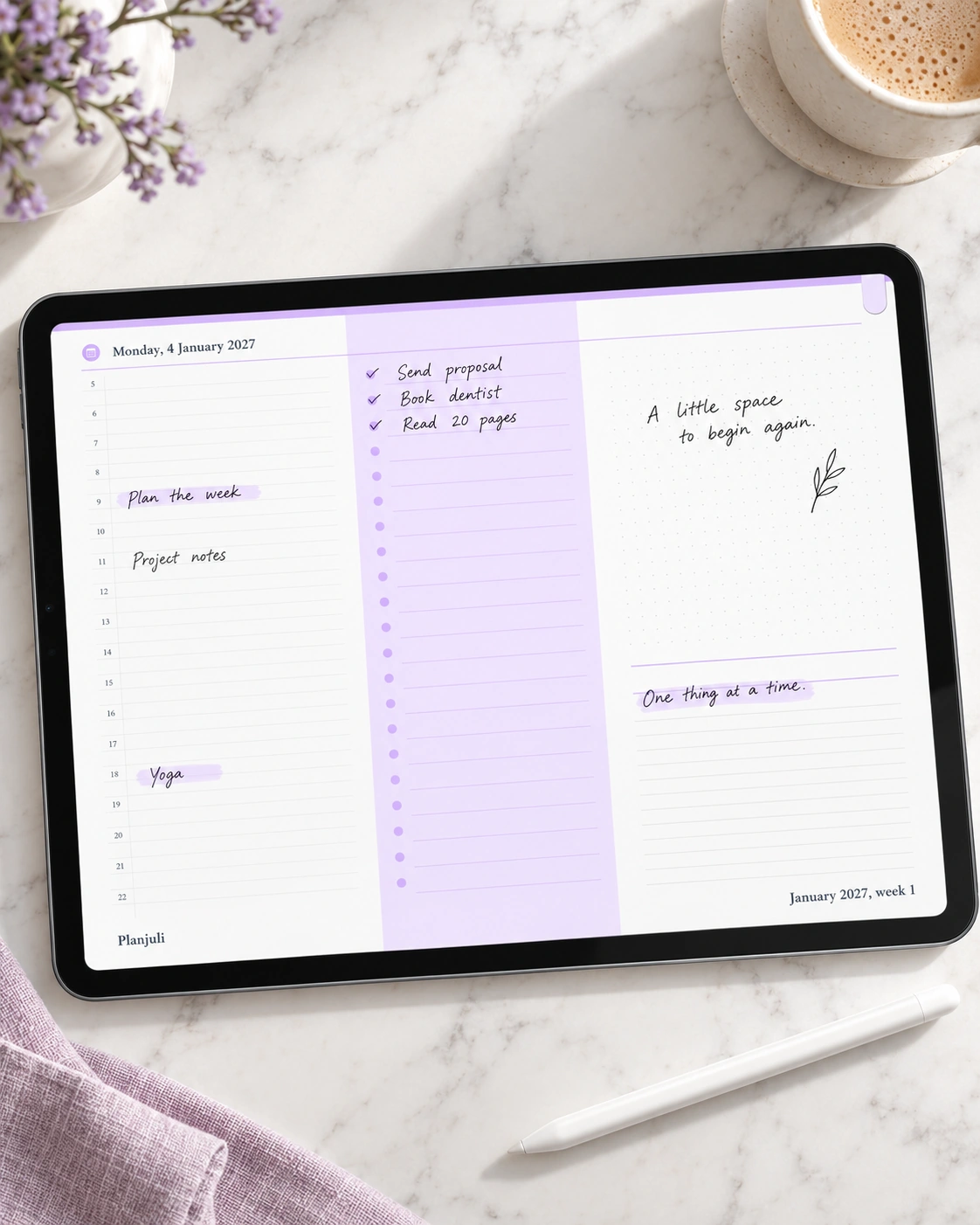
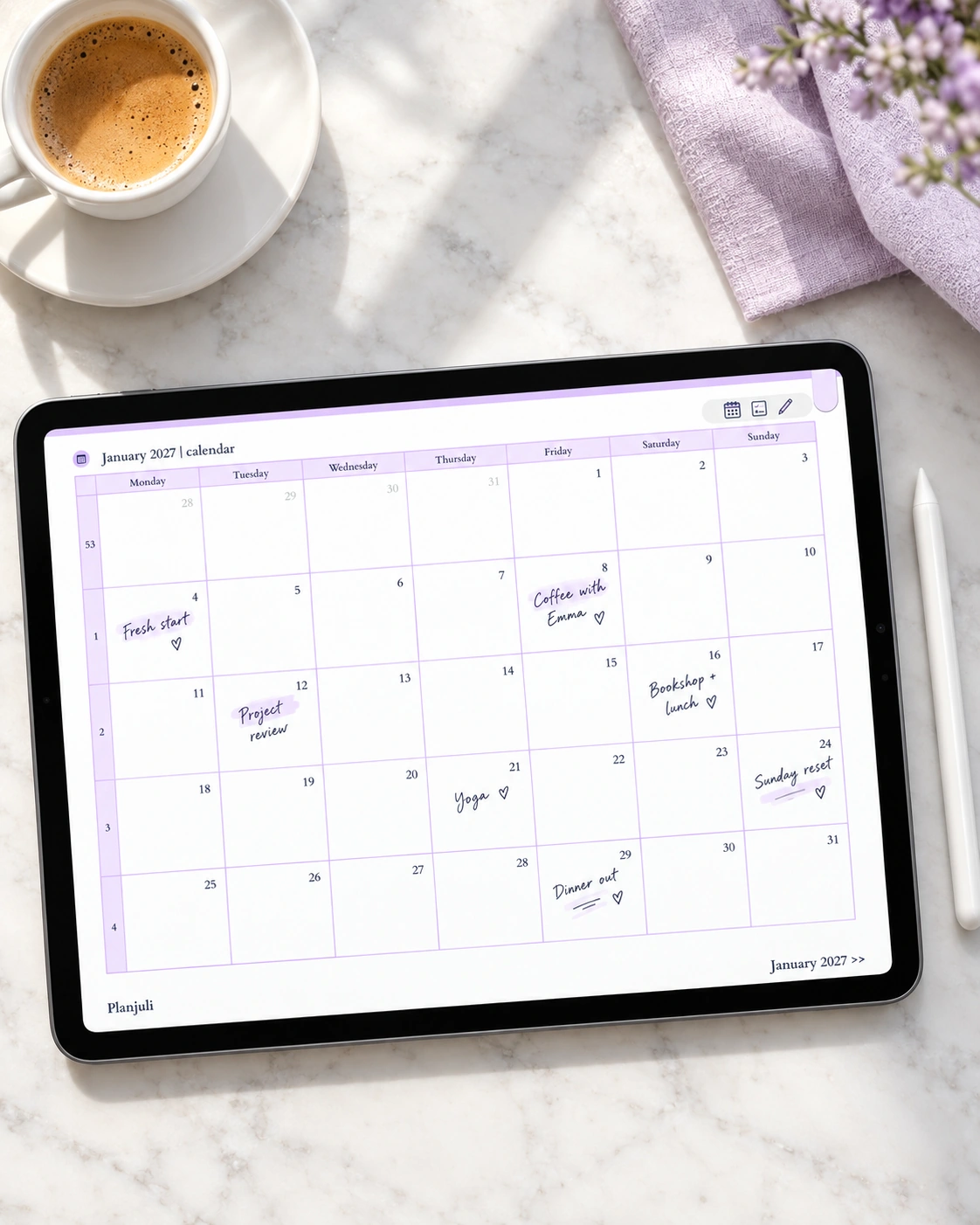
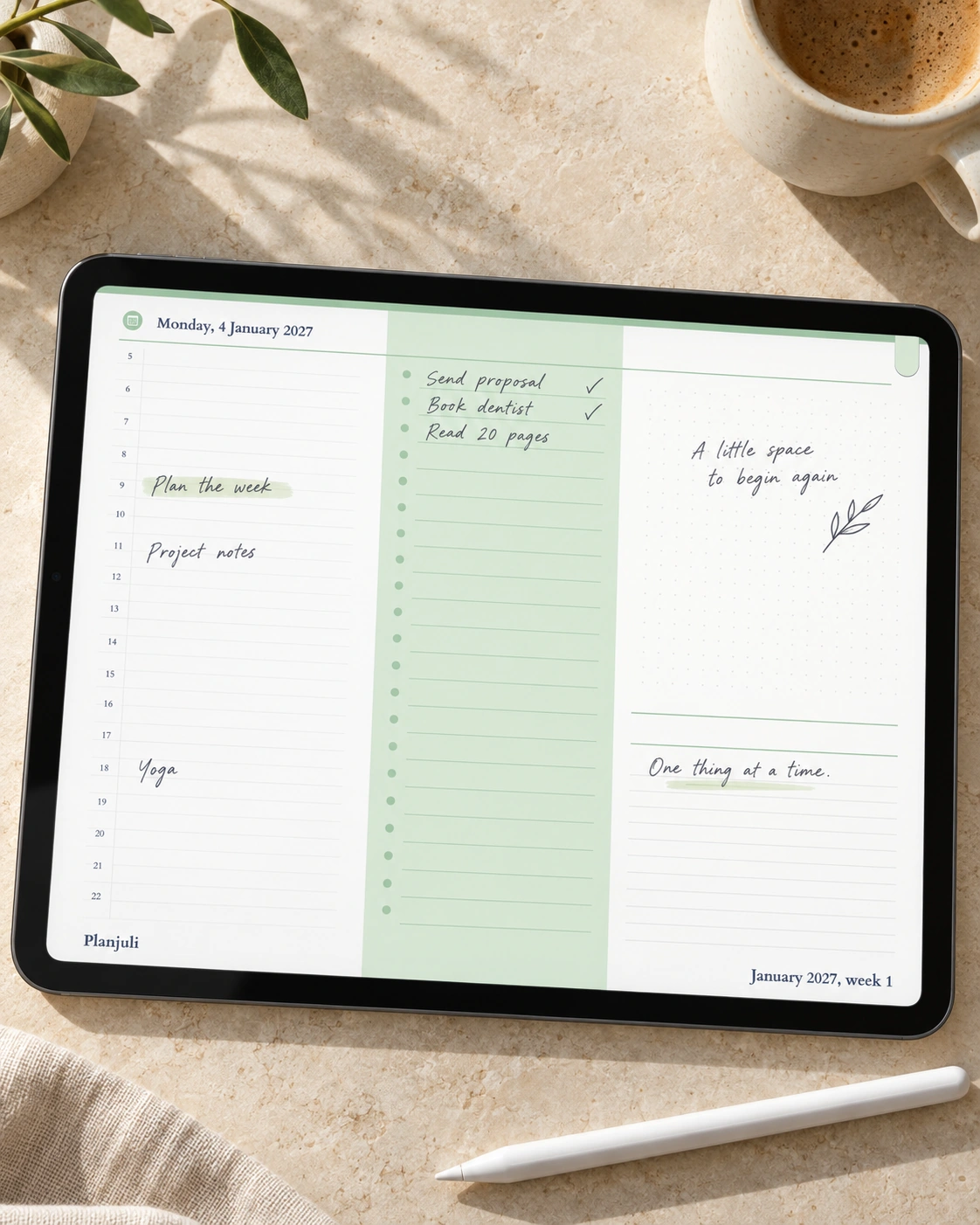
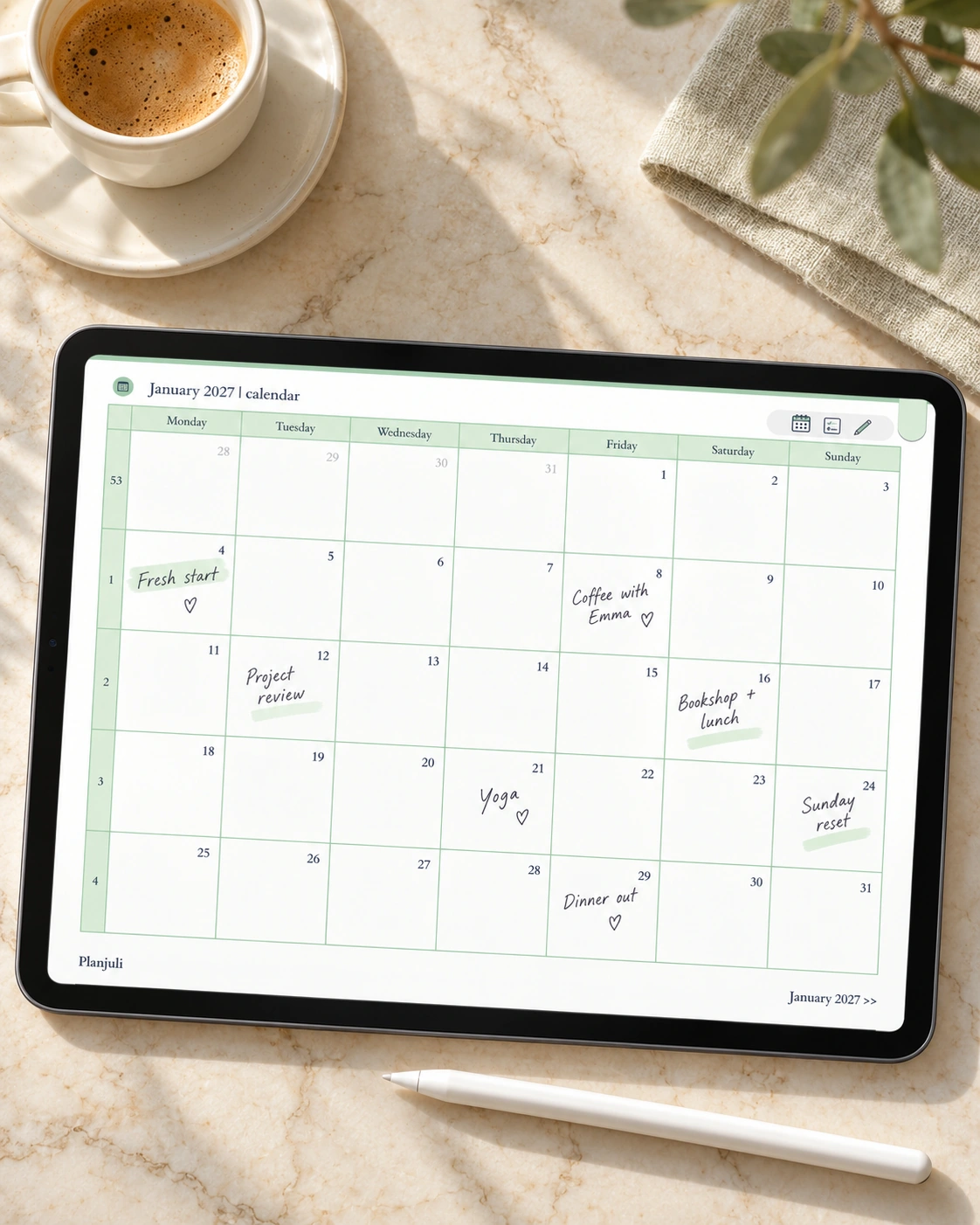
Use the monthly calendar to spot busy periods before they arrive. Place the week’s appointments in their columns, and keep a running list alongside them. For a day that needs more detail, the daily page offers an hourly schedule, a task column and separate spaces for notes, so each kind of information has somewhere to go.

Move between the big picture and today

Your plans belong together. Linked navigation helps you move between the different views without scrolling through the whole year. On every daily page, the month and week in the footer are separate links: tap the month to open its calendar, or the week to return to that weekly spread.

The index brings the twelve months and three notebooks together in one place. Monthly calendar, goals and notes pages also have their own navigation icons.

Three notebooks, ready for whatever comes next

You have ten pages in each notebook style: ruled for writing, squared for tables and diagrams, and dotted for flexible notes or sketches. Keep project notes, lists and personal reflections alongside your dated plans. The monthly notes spreads offer additional space to look back on the month or think ahead.

Start planning in a few simple steps

  1. Purchase and download your 2027 planner PDF.
  2. Import it into your preferred PDF annotation app, such as Goodnotes, Notability or Xodo.
  3. Open the index, choose a month and begin writing with your compatible stylus or your app’s text tool.

You receive one English-language PDF in Monochromatic. The handwritten entries shown in the images are examples and are not included in your download. This is a digital download; a tablet, stylus and annotation app are purchased separately. For the linked navigation, use an app that supports internal PDF links. Features and link gestures vary by app and device.

A few details before you choose

Is the whole year dated?
Yes. There is a daily page for every date from 1 January to 31 December 2027, with monthly calendars and weekly spreads. Weeks start on Monday.

Does it connect to my calendar app?
The planner is a PDF for writing and planning inside your annotation app. It does not automatically sync appointments with Apple Calendar or Google Calendar, or send reminders.

Are the other colour editions different inside?
All four 2027 editions have the same planning layouts, page count and navigation. Choose the palette you would most enjoy opening: this Monochromatic edition, or Pastel Green, Luminous Lilac, Warm Ivory. Each colour edition is sold separately.

Bring a little more order to your year with Monochromatic. Choose this edition and begin making the year your own.
What’s included

486 pages with hyperlinked navigation An index linking to all months and three notebooks 12 monthly calendar spreads with Monday-start weeks 12 monthly goal-setting spreads 12 monthly notes spreads for ideas and reviews 53 weekly spreads covering the full year 365 dated daily spreads with separate month and week footer links 30 notebook pages: 10 ruled, 10 squared and 10 dotted

Compatible apps

Works with the PDF note-taking apps you already use.

Goodnotes Notability Xodo PDF annotation apps that support internal hyperlinks

Works on: iPad, iPad Pro, Android tablets

How it works

  1. 1. Choose your Planjuli
  2. 2. Download instantly
  3. 3. Open it in your favourite PDF note-taking app
  4. 4. Write, tap and make it yours

Collection

The Planjuli Life Library

Bring your planning, reflection and favourite rituals together in one coordinated collection.

  • Digital Planner 2026, Pastel Green
  • Planjuli Digital Journal for Self-Development
  • Digital Reading Journal | Book Journal for Book Lovers
  • Digital Journal of Favourites, to collect everything that makes your eyes sparkle

Loved in real life.

I absolutely love this product! It exceeded all my expectations and has become an essential part of my daily routine. The quality is outstanding.

Emily Johnson

Great planner. The attention to detail makes this company stand out from competitors. Would definitely recommend.

Michael Booth

Excellent customer support team! They helped me resolve my issue promptly and professionally. I'm thoroughly impressed with their dedication.

Sarah Miller

Good to know

Frequently asked questions

Clear answers before you download.

Do I need internet to use it?

No. These are digital files that you download, and once they are on your device, you can plan offline.

Is this only for "pro" Goodnotes users?

Not at all. If you can import a PDF and write on it, you're ready.

Which apps does it work with?

It works with Goodnotes, Notability, Xodo, Squid and most PDF note-taking and annotation apps.

How do I receive my purchase?

You'll get an email with a download link right after checkout.

Do you offer refunds?

Because these are non-returnable digital products, refunds are not available. If anything is not working as expected, email us and we will help you resolve it.

Does this work on iPad mini?

Yes. Our planners are PDFs that work on any iPad, including iPad mini, as well as Android tablets. Open them in Goodnotes, Notability or any PDF note-taking app.

Are Planjuli digital planners dated or undated?

Our digital daily planners are dated and every year we publish a new edition.

What app do you recommend for beginners?

We recommend Goodnotes or Notability. Both are easy to learn, work well with Apple Pencil and support hyperlinked PDFs. No advanced skills are required.

A gentle start

Try Planjuli free

Download a small collection of real Planjuli pages and see how the design feels in Goodnotes or Notability before you buy.

Send me the free pages

Planjuli

Beautiful digital planners and journals for organising, reflecting and celebrating your life.

Made in Milan, Italy

Give us a follow on socials ✨

Planjuli • Made in Milan, Italy • With love and good spirits ✨ • Copyright © 2026 • All rights reserved

Cookie Settings

This website uses cookies. You can choose which types to allow or reject. More information about how we use them is available in our privacy policy.

They allow core website functionality. The website won’t work without them.

These cookies collect usage statistics with anonymised IP addresses and help us improve the website.