The Complete Guide to Planning Digitally with Planjuli
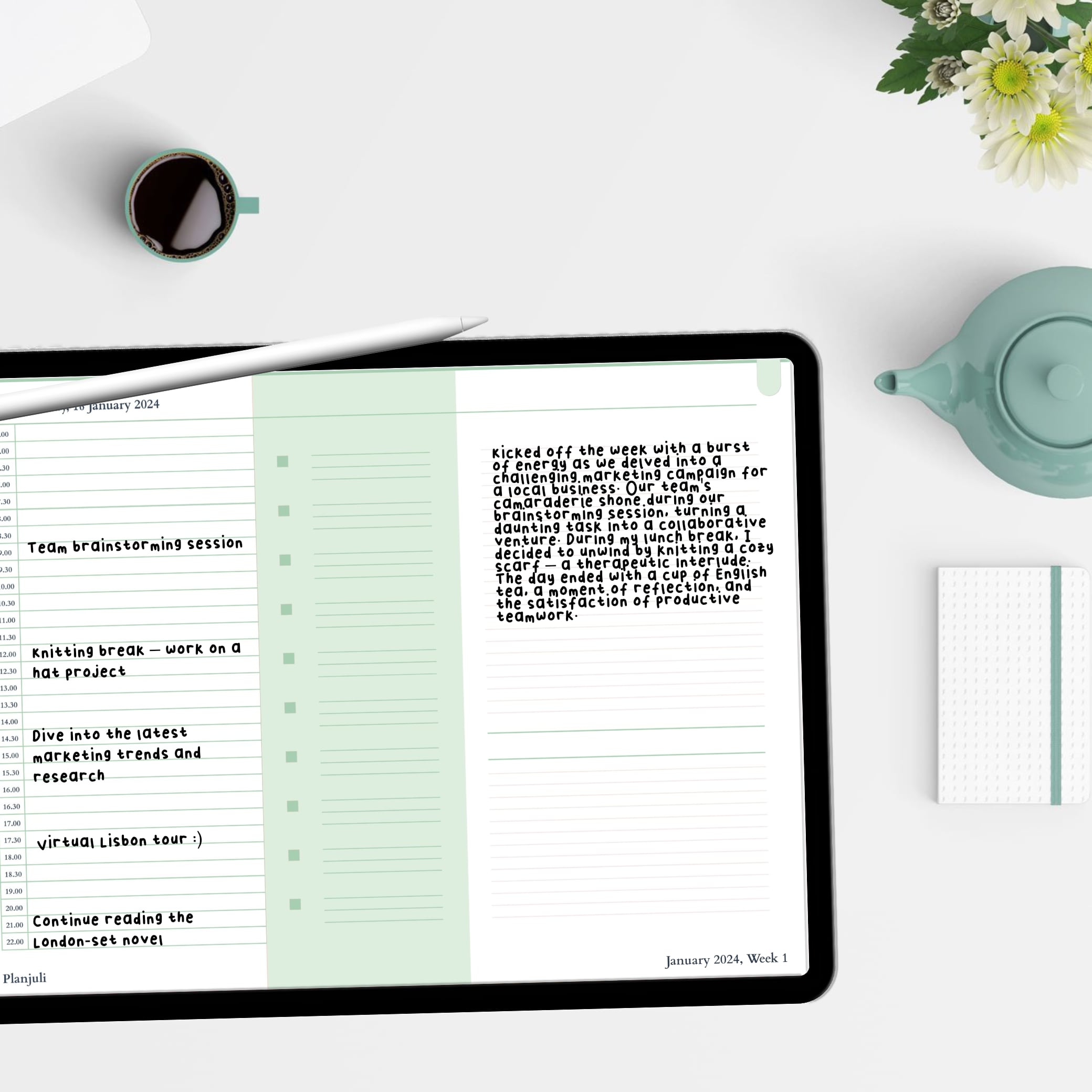
A digital planner for Goodnotes allows you to organise your life directly on your iPad while keeping the familiar experience of handwriting. Instead of carrying multiple notebooks, you can manage your schedule, tasks, goals and projects in one organised digital system.
At Planjuli, we design elegant digital planners specifically for apps like Goodnotes. Our planners combine clean layouts, intuitive navigation and structured planning pages so you can stay organised without unnecessary complexity.
Whether you are a student, professional or entrepreneur, a Goodnotes digital planner gives you the flexibility of digital tools while preserving the simplicity of traditional planning.
What Is a Digital Planner for Goodnotes?
A digital planner for Goodnotes is a hyperlinked PDF planner designed to work inside the Goodnotes app on iPad. You write directly on the planner using an Apple Pencil, just like a traditional notebook.
Unlike paper planners, digital planners allow you to:
- Navigate between pages using clickable tabs
- Duplicate pages instantly
- Erase or rearrange content easily
- Store your planner on your iPad without carrying notebooks
- Keep all your planning tools in one place
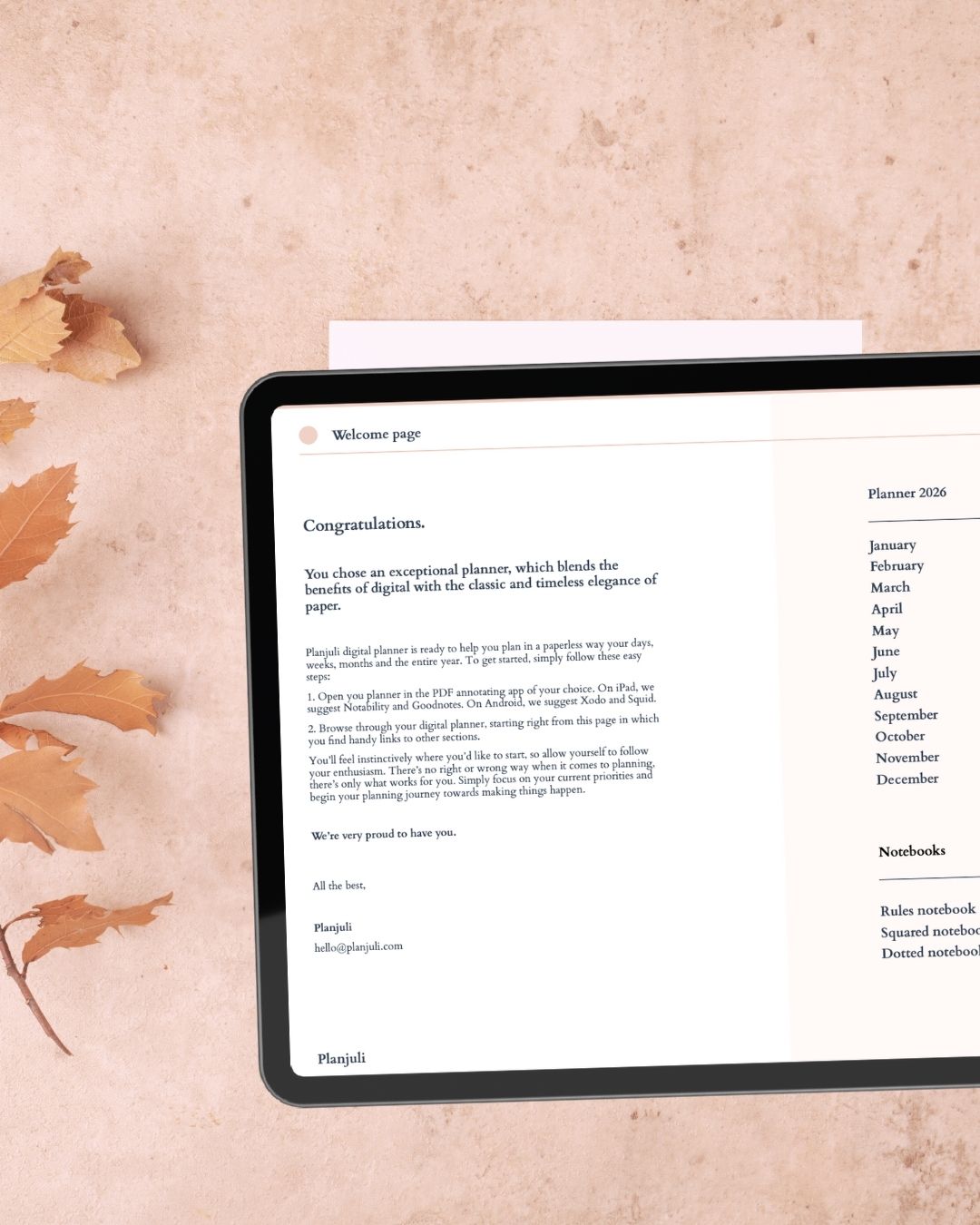
Planjuli planners are designed with hyperlinked navigation, making it easy to move between months, weeks, sections and notes without scrolling endlessly.
Why Use a Digital Planner in Goodnotes?
Goodnotes is one of the most popular note-taking apps for iPad users. When combined with a well-designed digital planner, it becomes a powerful productivity system.
Natural Handwriting Experience
Writing with Apple Pencil inside Goodnotes feels very similar to writing on paper, which many people prefer for planning and memory retention.
Instant Navigation
Planjuli digital planners include hyperlinked tabs and indexes, allowing you to move instantly between months, weeks and planning sections.
Unlimited Pages
You can duplicate pages whenever needed, meaning you never run out of space for notes, planning or brainstorming.
One Organised System
Instead of using multiple notebooks, you can keep your tasks, goals, schedules and ideas in a single digital planner.
Explore Planjuli Digital Planners for Goodnotes
If you are looking for a Goodnotes digital planner, Planjuli offers planners designed for both productivity and simplicity.
Daily Digital Planners
Our daily digital planners provide a complete planning structure for the entire year. Each planner includes:
- Yearly planning pages
- Monthly calendar spreads
- Weekly planning layouts
- Detailed daily pages
- Goal planning sections
- Notes and brainstorming pages
Explore our daily planners here:
Daily digital planners
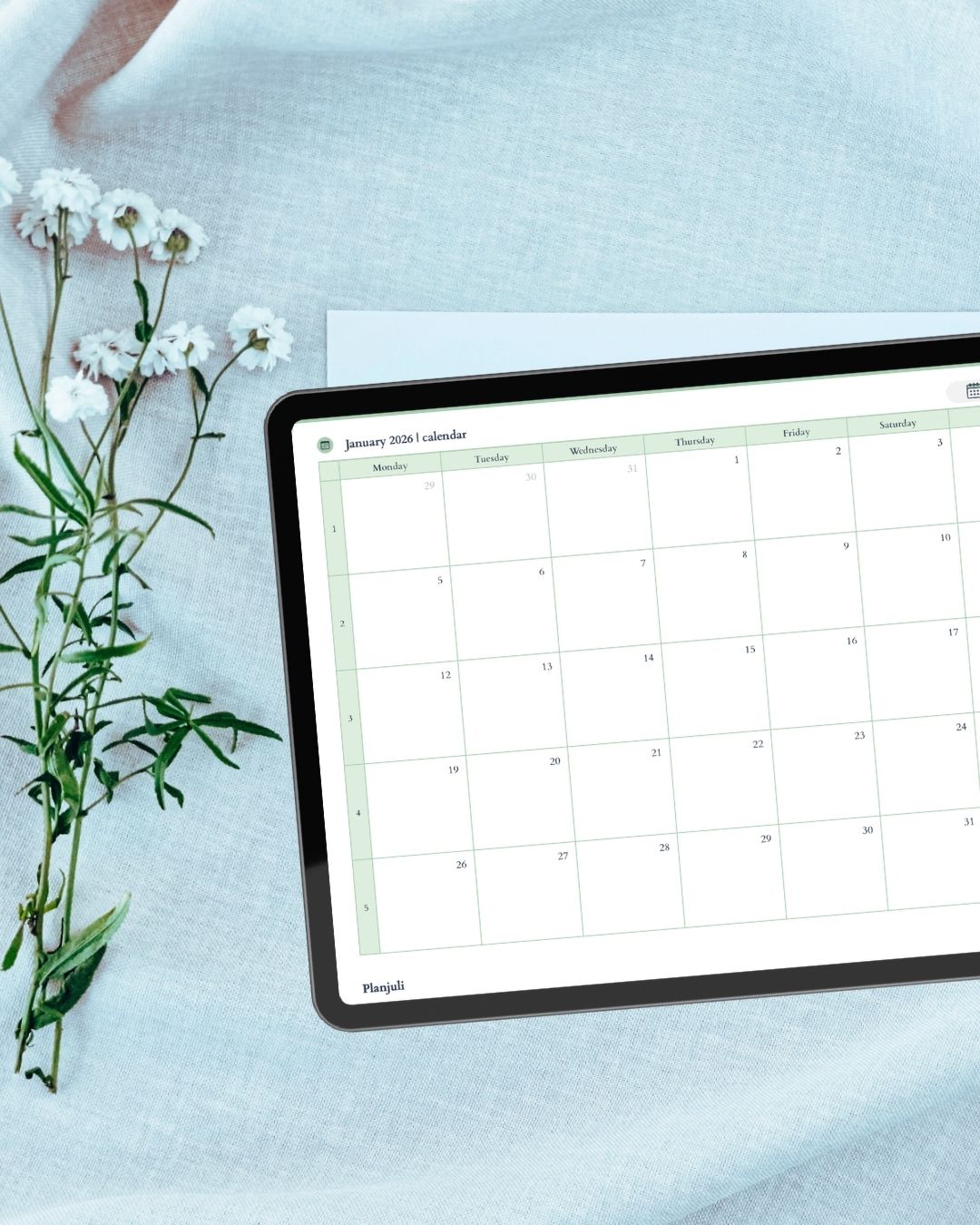
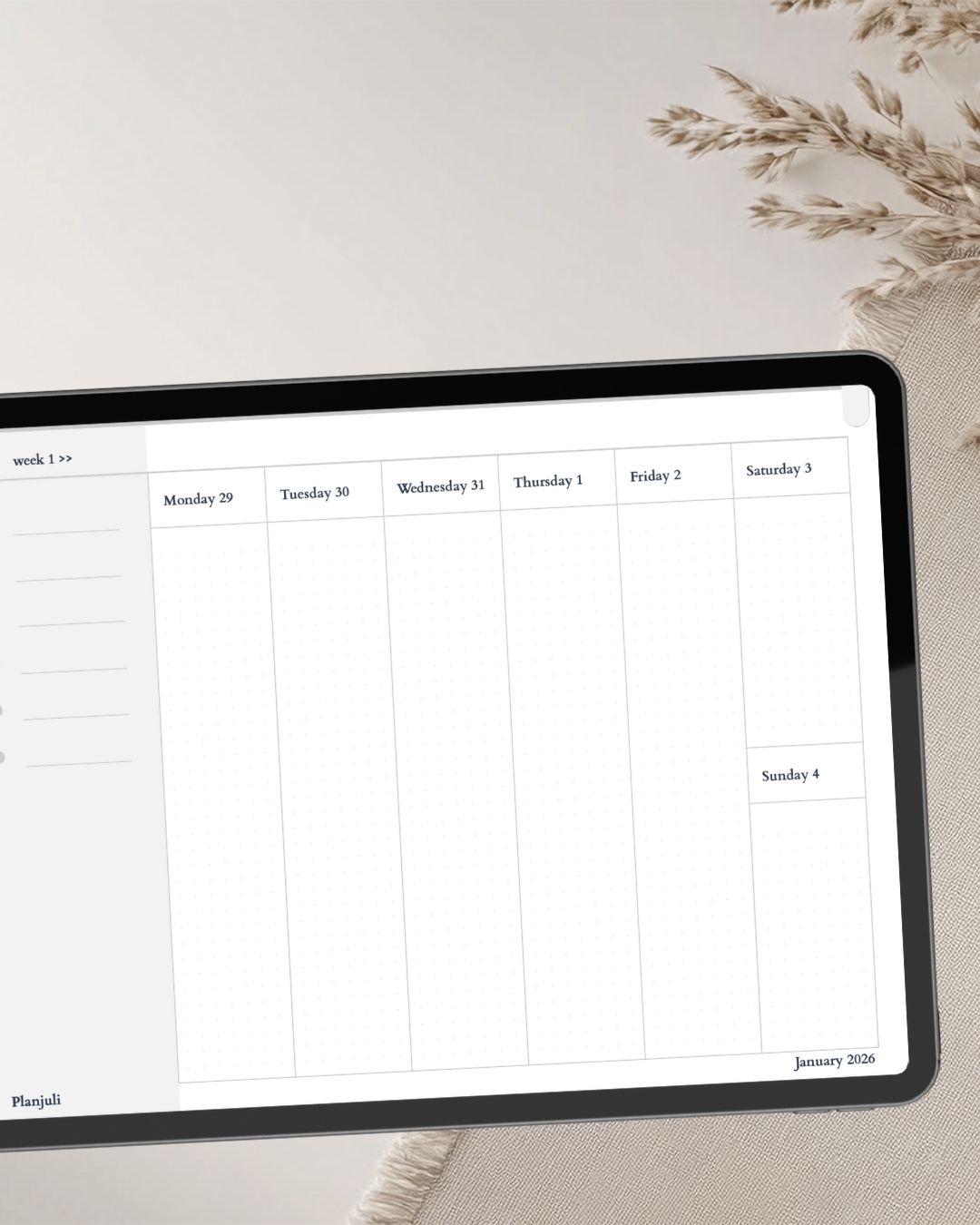
These planners are ideal for people who want detailed daily organisation while maintaining a clear overview of their long-term goals.
Planjuli Digital Journals for Reflection and Growth
Planning is not only about productivity. Reflection and creativity are also essential parts of personal organisation.
Planjuli digital journals provide guided spaces for reflection, creativity and personal development.
Our journals include:
- Self-development journals
- Reading journals
- Personal reflection notebooks
Explore the collection here:
Digital journals
Digital journals work perfectly alongside a digital planner, helping you combine planning with reflection and goal tracking.
Digital Stickers for Goodnotes Planners
Digital planning becomes even more enjoyable when you can personalise your pages.
Planjuli sticker packs allow you to decorate and organise your planner while improving visual clarity.
You can use digital stickers to:
- Highlight priorities
- Mark important tasks
- Create visually organised planner spreads
- Personalise journal pages
Browse our sticker packs here:
Digital stickers
Key Features of Planjuli Goodnotes Planners
Our planners are designed with both usability and aesthetics in mind.
Hyperlinked Navigation
Planjuli planners include interactive tabs that allow you to jump quickly between planning sections.
Clean and Minimal Layouts
Our layouts are designed to reduce visual clutter so you can focus on what matters most.
Structured Planning System
Each planner includes pages for:
- yearly planning
- monthly organisation
- weekly scheduling
- daily productivity
- goal tracking
Apple Pencil Optimised
The spacing and layout of each page are optimised for handwriting with Apple Pencil.
How to Use a Digital Planner in Goodnotes
Getting started with a Planjuli digital planner takes only a few steps.
Download Your Planner
After purchase, you receive the planner file instantly.Import the Planner into Goodnotes
Open Goodnotes and import the planner PDF.Navigate Using the Hyperlinked Tabs
Use the interactive tabs to move quickly between sections.Start Planning
Write directly on the planner pages with your Apple Pencil.
Who Should Use a Goodnotes Digital Planner?
Digital planners are useful for many different types of users.
Students
Track assignments, exam schedules and study plans.
Professionals
Organise meetings, tasks and projects.
Entrepreneurs
Plan business goals, strategies and productivity systems.
Personal Organisation
Manage routines, habits and daily responsibilities.
Digital Planner vs Paper Planner
Many people wonder whether digital planning is better than traditional paper planning.
| Feature | Digital Planner | Paper Planner |
|---|---|---|
| Editable pages | Yes | No |
| Duplicate pages | Yes | No |
| Device syncing | Yes | No |
| Search functionality | Yes | No |
| Paper usage | None | High |
A Goodnotes digital planner provides far greater flexibility while maintaining the experience of handwriting.
Why Choose Planjuli Digital Planners?
At Planjuli, we focus on creating planners that are both beautiful and practical.
Our planners are designed to help you:
- organise your time
- track meaningful goals
- maintain clarity in your daily planning
- build productive routines
Every planner is designed with a calm aesthetic and intuitive navigation so that planning becomes an enjoyable daily habit.
Start Planning with a Digital Planner for Goodnotes
If you want a more organised and flexible planning system, a digital planner for Goodnotes is one of the most effective tools available.
Explore the full Planjuli collection:
- Digital planners → /products/
- Daily planners → /products/daily-digital-planners/
- Digital journals → /products/digital-journals/
- Digital stickers → /products/digital-stickers/
With a Planjuli digital planner, you can combine the simplicity of handwriting with the power of digital organisation and keep every part of your life structured in one elegant system.